// salla · zid · custom css
Free CSS Codes for Salla and Zid: Make Your Store Look Premium Without Paying for a Theme
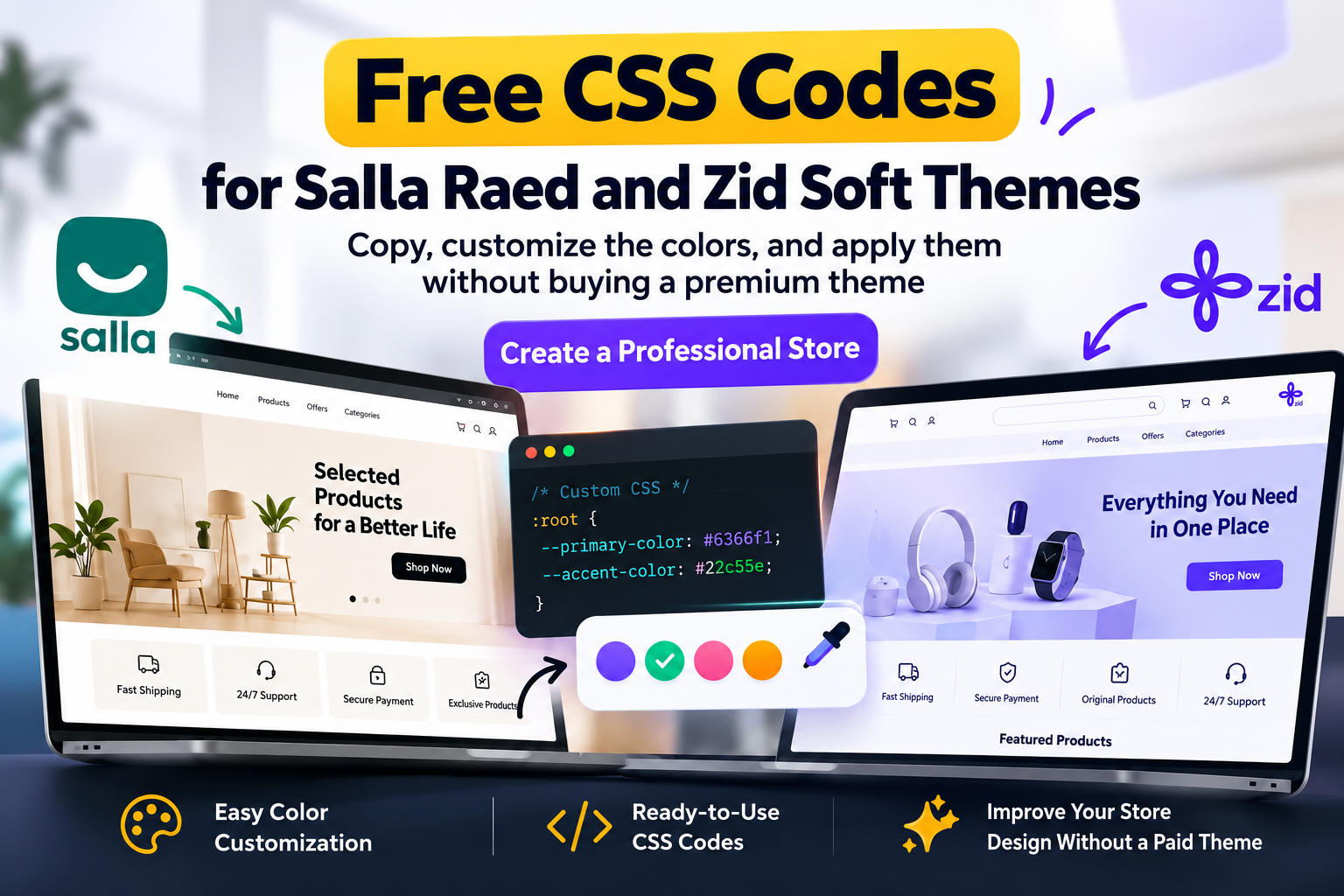
Using free CSS codes for Salla and Zid is the fastest way to make your store look professional without buying a theme that costs hundreds of riyals. You open your store on the default theme and it looks like dozens of other stores. The problem is usually not the theme itself but the details: product cards, buttons, shadows and a light hover effect. All of that takes about sixty lines of CSS.
The short answer: copy the code for your theme (Raed on Salla or Soft on Zid) from these free CSS codes for Salla and Zid, paste it into your store’s custom CSS box, then check the store on mobile and desktop. If your plan does not support custom CSS, use the theme settings in the last section.
This guide gives you ready CSS codes for Salla’s Raed theme and Zid’s Soft theme, plus a simple way to match them to your brand color. If you want to customize your Salla store or tweak your Zid Soft theme, you can do it in a few steps.
The codes are really free: no sign-up, no subscription and no mailing list. Every selector was checked against the real HTML of two live stores, so nothing here is guesswork. If you are looking for ready CSS codes for Salla to copy and test on the Raed theme for Salla, this guide is for you.
A paid theme gives you extra sections and more options, but it does not create your store’s identity. Four things shape a visitor’s impression: consistent product cards, clear buy buttons, brand colors taken from your logo, and fast loading. A light layer of code on top of your current theme delivers all four.
A paid theme still makes sense when you need a different page structure or sections that do not exist yet. If you only want a more professional look, try free CSS codes for Salla and Zid first. Every riyal you save on design can go into advertising.
| Option | Cost | Difficulty | Best for |
|---|---|---|---|
| Custom CSS codes | Free | Easy (copy and paste) | A better look on your current theme |
| Theme settings only | Free | Very easy | Plans that do not support custom CSS |
| Paid theme | Varies by theme | Medium | New sections and a new layout |
| Fully custom design | Depends on scope | Needs a developer | A unique store identity |
The custom code box is usually inside the theme customization settings of your dashboard, and its name and path may change with platform updates. For official details see the Salla developer documentation.
This is the first of our free CSS codes for Salla and Zid. It targets the real class names of Salla components (such as s-product-card-entry and s-button-btn) and reads your brand color from the --color-primary variable set by the theme, so you only change the color if you want a different one. These classes are shared across Salla themes built on Twilight, so it may work on themes other than Raed too.
/* ===== Kx Skin | Salla - Raed theme (Twilight) ===== */
:root{
  --kx-brand: var(--color-primary, #0f766e);
  --kx-radius: 16px;
  --kx-shadow: 0 6px 20px rgba(16,24,40,.08);
  --kx-shadow-hover: 0 14px 32px rgba(16,24,40,.16);
}

/* Product cards */
.s-product-card-entry.s-product-card-vertical{
  display: flex;
  flex-direction: column;
  border-radius: var(--kx-radius);
  overflow: hidden;
  background: #fff;
  box-shadow: var(--kx-shadow);
  transition: transform .25s ease, box-shadow .25s ease;
}
.s-product-card-entry.s-product-card-vertical:hover{
  transform: translateY(-4px);
  box-shadow: var(--kx-shadow-hover);
}
.s-product-card-image{ overflow: hidden; }
.s-product-card-image-contain{ transition: transform .5s ease; }
.s-product-card-entry:hover .s-product-card-image-contain{ transform: scale(1.05); }
.s-product-card-content-title a{ font-weight: 700; line-height: 1.6; }
.s-product-card-price{ font-weight: 800; color: var(--kx-brand); }

/* Add-to-cart buttons (not icon buttons such as wishlist) */
.s-button-element.s-button-btn{
  border-radius: 12px;
  font-weight: 700;
  transition: transform .15s ease, box-shadow .2s ease;
}
.s-button-element.s-button-btn:active{ transform: scale(.97); }
.s-button-element.s-button-btn.s-button-solid:hover{ box-shadow: 0 8px 18px rgba(0,0,0,.18); }

/* Section titles: small line in the brand color */
.s-block__title h2,
.s-slider-block__title h2{ position: relative; padding-bottom: 10px; }
.s-block__title h2::after,
.s-slider-block__title h2::after{
  content: "";
  position: absolute;
  inset-inline-start: 0;
  bottom: 0;
  width: 48px;
  height: 3px;
  border-radius: 3px;
  background: var(--kx-brand);
}

/* Better keyboard accessibility */
a:focus-visible, button:focus-visible{ outline: 2px solid var(--kx-brand); outline-offset: 2px; }

/* Respect the reduced-motion preference */
@media (prefers-reduced-motion: reduce){
  .s-product-card-entry, .s-product-card-image-contain, .s-button-element.s-button-btn{ transition: none; }
  .s-product-card-entry:hover, .s-product-card-entry:hover .s-product-card-image-contain{ transform: none; }
}This is the second of our free CSS codes for Salla and Zid. It is written for the class names of the Zid Soft theme as they appear in a real store (such as product-item, section-title and btn-primary) and reads the store color from the --primary-color variable. I did not force a color on the buttons, so they keep your theme color and only the shape changes.
/* ===== Kx Skin | Zid - Soft theme ===== */
:root{
  --kx-brand: var(--primary-color, #0f766e);
  --kx-radius: 16px;
  --kx-shadow: 0 6px 20px rgba(16,24,40,.08);
  --kx-shadow-hover: 0 14px 32px rgba(16,24,40,.16);
}

/* Small padding so the card shadow is not clipped inside the slider */
.products-slider-wrapper{ padding-block: 8px; }

/* Product cards */
.product-item{
  background: #fff;
  border-radius: var(--kx-radius);
  overflow: hidden;
  box-shadow: var(--kx-shadow);
  transition: transform .25s ease, box-shadow .25s ease;
}
.product-item:hover{
  transform: translateY(-4px);
  box-shadow: var(--kx-shadow-hover);
}
.product-item .box-1-1 img{ transition: transform .5s ease; }
.product-item:hover .box-1-1 img{ transform: scale(1.05); }
.product-item .product-title{ font-weight: 700; line-height: 1.6; }
.product-item .product-price{ font-weight: 800; }
.product-item .product-prev-price{ opacity: .7; }

/* Add-to-cart and option buttons */
.btn.btn-primary{
  border-radius: 12px;
  font-weight: 700;
  transition: transform .15s ease, box-shadow .2s ease;
}
.btn.btn-primary:active{ transform: scale(.97); }
.btn.btn-primary:hover{ box-shadow: 0 8px 18px rgba(0,0,0,.18); }

/* Section titles: small line in the brand color */
.section-title{ position: relative; padding-bottom: 10px; }
.section-title::after{
  content: "";
  position: absolute;
  inset-inline-start: 0;
  bottom: 0;
  width: 48px;
  height: 3px;
  border-radius: 3px;
  background: var(--kx-brand);
}

/* Better keyboard accessibility */
a:focus-visible, button:focus-visible{ outline: 2px solid var(--kx-brand); outline-offset: 2px; }

@media (prefers-reduced-motion: reduce){
  .product-item, .product-item .box-1-1 img, .btn.btn-primary{ transition: none; }
  .product-item:hover, .product-item:hover .box-1-1 img{ transform: none; }
}Yes, in the following sense: I took the real home page of a store on the Raed theme in Salla and another on the Soft theme in Zid, and confirmed that every selector matches elements that actually exist (product cards, add-to-cart buttons, section titles). No selector points to a missing element.
What I do not promise is that the code stays valid forever. If the platform renames classes in a later update you will need to review it, which is normal for any custom code. Test first and keep a backup.
--kx-brand only if you want a different color for title lines and prices.If a rule does not work, the usual reason is that the class name changed in your theme version. If you need a complete identity rather than scattered tweaks, that is what I do in my Salla and Zid store design service.
If your plan does not support custom CSS, or you do not want to risk editing code, these theme settings deliver a large part of the result:
Where do I put ready CSS codes for Salla after copying them?
Paste them into the Custom CSS box in your store’s theme customization settings, then save and check the store. The box name and path may differ depending on platform updates and your plan.
Do these codes suit every version of the Raed theme for Salla?
They were written on class names shared across Salla themes built on Twilight, but a theme update may rename classes. Test the store after every major update.
Do free CSS codes for Salla and Zid slow down my store?
The code is short and light and relies only on transitions, so its effect on speed is very small. Large images and external scripts are usually heavier.
Is the code affected when the theme updates?
It can be, if the update changes class names. Keep a copy of the code and review the store after any major update.
Does the code work on themes other than Raed and Soft?
The idea applies, but you need to replace the class names with the ones your theme uses, via the Inspect tool.
Does the code work with the Arabic (RTL) interface?
Yes. The codes use logical properties such as inset-inline-start, so they work right-to-left with no changes.
Do I need programming experience?
No. Copy, paste and change the color value if you want.
What is the difference between this code and a paid theme?
The code improves the look on top of the theme you own, while a paid theme adds new sections and options.
Try free CSS codes for Salla and Zid on your store now, and keep a backup. If you use a theme other than Raed or Soft, message me its name and I will prepare ready CSS codes for Salla or Zid that suit it.
Running paid ad campaigns? Also see my landing pages for ads.
Want a complete store identity, not scattered tweaks?
I customize Salla and Zid stores with a unique identity, improve the product and cart pages and connect ad tracking. Send me your store link and I will tell you honestly what is worth changing first.